Corporate 3D Software Training – CAD, Slicing, Scan-to-CAD
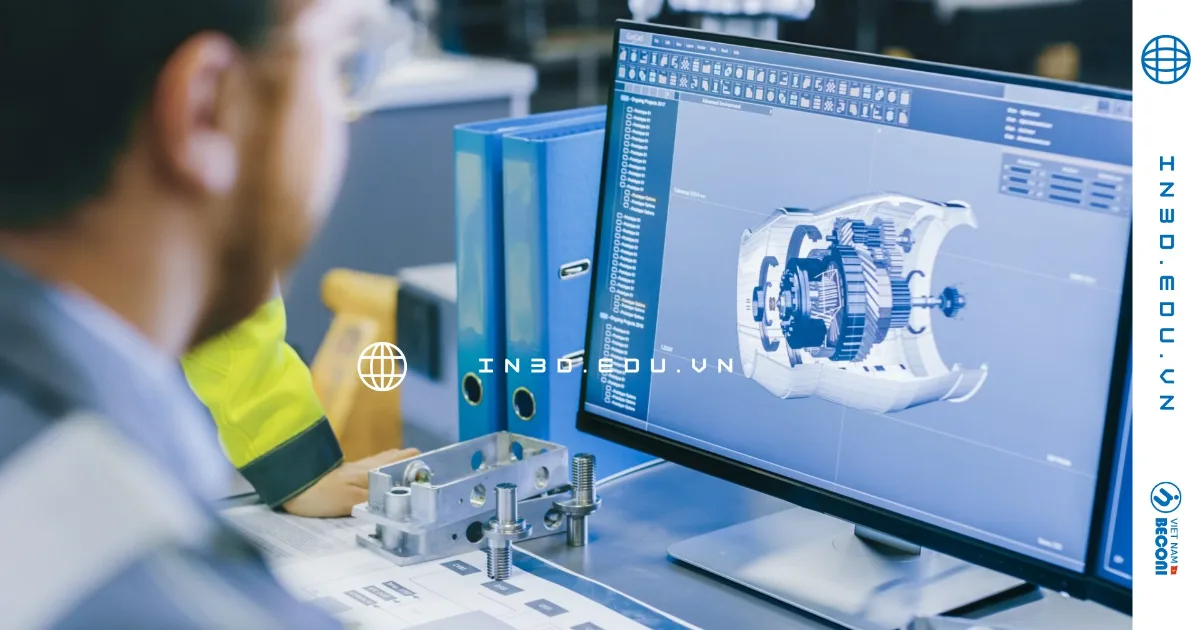
Technical summary: CT3D delivers 3D software training and product digitization workflow training for corporate engineering teams (corporate technical training). The content follows the real data chain of a prototyping workshop: parametric CAD modeling, digital sculpting, print file preparation (slicing), 3D scan data processing (point cloud, mesh) and reverse engineering (scan-to-CAD). Each program is tailored after an initial needs assessment, uses your company’s own parts for hands-on practice, and is led by engineers with more than 12 years of experience running 3D printing and 3D scanning services.
The goal is not a certificate but a team that can do the work on its own afterwards: model a part that fits, prepare a print file that succeeds the first time, or turn a raw scan into an editable CAD model. Training can run at your company or at the CT3D workshop, and every session ends with a concrete file you can use.
3D Software Training at a Glance
| Who it is for | Engineering, R&D, tooling, maintenance and art studio teams; companies new to 3D printers or scanners; schools and training centers |
|---|---|
| Modules | Parametric CAD, digital sculpting, slicing, 3D scan data processing, reverse engineering, 3D inspection, additive manufacturing fundamentals |
| Format | At your company or at the CT3D workshop; hands-on with your own parts |
| Program design | Custom, after a training needs assessment – no fixed syllabus |
| Instructors | Working engineers with more than 12 years of experience running 3D printing and 3D scanning services |
| Outcome check | Capstone exercise graded on technical criteria: correct dimensions, printable file, watertight mesh |
| Pricing | Quoted by number of modules, duration, number of trainees and location |
Training Modules for 3D Software and Workflows
Rather than teaching each software package in isolation, CT3D structures the program around the digital thread from idea to physical part. Companies select the modules they need and combine them into a custom learning path.
| Module | Learning outcomes | Working data and formats |
|---|---|---|
| Parametric engineering CAD | Build parts and assemblies, produce drawings; understand constraints and feature history | STEP, IGES, 2D drawings |
| Digital sculpting | Create organic forms for figures, statues and mascots; control mesh density | OBJ, STL, PLY |
| Print file preparation (slicing) | Choose print orientation, supports, layer height and infill; estimate time and material | STL, 3MF, G-code |
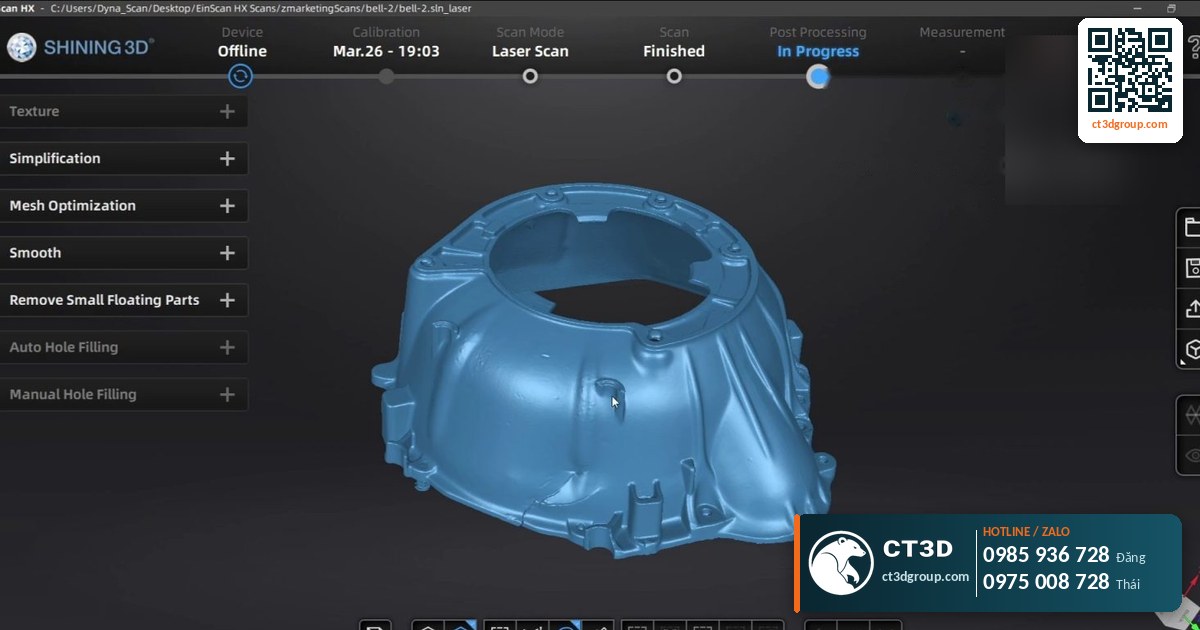
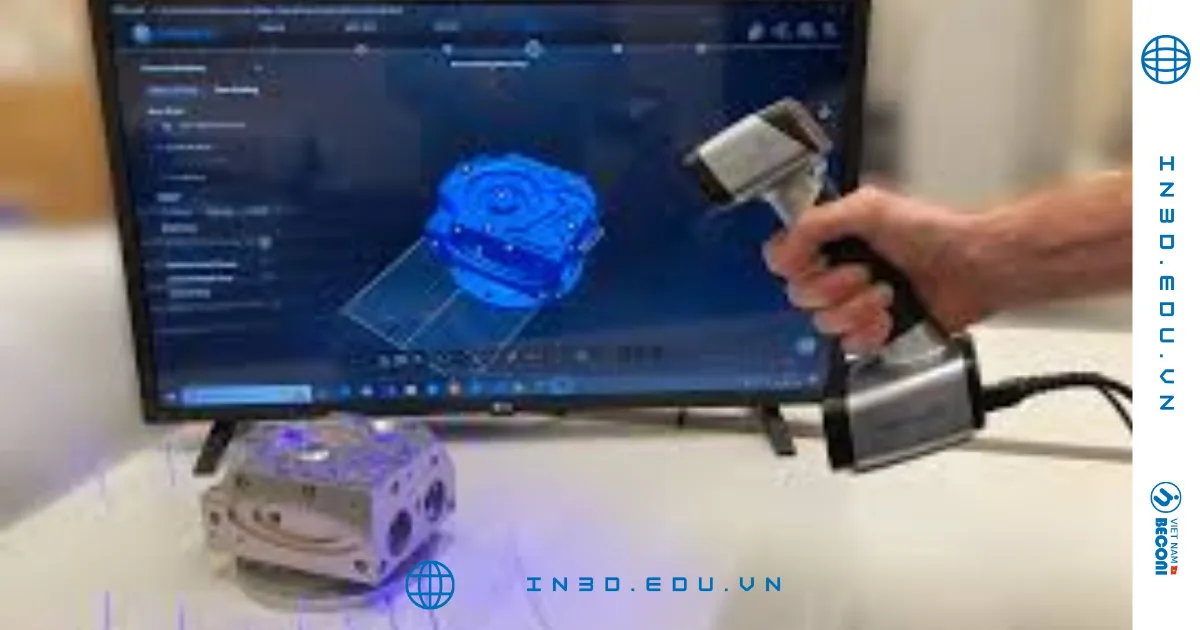
| 3D scan data processing | Noise filtering, point cloud cleanup, registration, watertight meshing, hole filling | Point cloud, STL, OBJ, PLY |
| Reverse engineering | Convert scan meshes into NURBS surfaces or editable CAD models | Mesh to STEP |
| 3D inspection | Compare scan data with CAD, read deviation color maps, GD&T basics | Deviation reports |
| Additive manufacturing fundamentals | Understand FDM, SLA/DLP/LCD, MJF/SLS and SLM; select technology and material for each application | Technology spec sheets |
Source: CT3D’s 3D printing, 3D scanning, reverse engineering and 3D inspection service portfolio.
Suggested Learning Paths by Role
Modules can be combined freely. These combinations are common starting points that we adjust after the needs assessment:
- Design engineer: parametric CAD → Design for Additive Manufacturing → slicing → test print and measurement.
- Maintenance or tooling engineer: 3D scan data processing → reverse engineering (mesh to STEP) → 3D inspection against the original.
- Quality engineer: scan data basics → alignment methods → deviation color maps and GD&T basics → report writing.
- 3D printer operator: additive manufacturing fundamentals → slicing → mesh repair → troubleshooting failed prints.
- Artist or model maker: digital sculpting → mesh density control → resin print file preparation.
Data Standards and Core Knowledge
The most common problem at companies that have just invested in a 3D printer or scanner is not software operation, but a misunderstanding of the nature of the data. That is why every CT3D learning path includes the following core knowledge:
- Triangle meshes vs. mathematical surfaces: the difference between meshes (STL/OBJ/PLY) and NURBS or parametric solid models (STEP/IGES), and when to use each.
- Watertight meshes: open edges, flipped normals and self-intersections – the errors that make a file unprintable.
- Tolerances and fits: typical tolerances of each technology, e.g. FDM ±0.1–0.3 mm, SLA ±0.05–0.1 mm, DLP ±0.03–0.08 mm, SLS ±0.05–0.15 mm; how to design clearances for mating parts.
- Design for Additive Manufacturing (DfAM): overhangs, wall thickness, resin drain holes, and anisotropy of printed parts.
- Materials: properties of PLA, PETG, ABS, ASA, Nylon, engineering resins, PA12 and SLM-printed metals.

Training Workflow
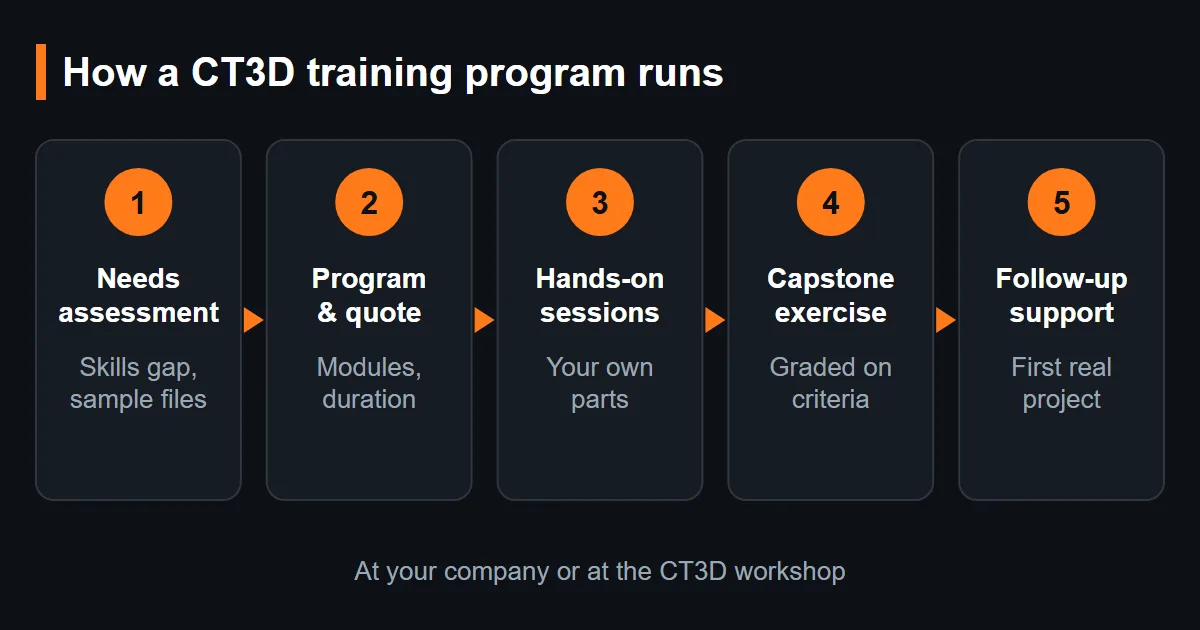
- Request intake: the company describes its field, existing equipment, number of trainees and goals (in-house design, running printers, processing scans).
- Training needs assessment: CT3D engineers meet the department head, review sample products and real files, and identify skill gaps.
- Program proposal and quotation: list of modules, duration, format (at your company or at the CT3D workshop) and exercises based on real parts.
- Hands-on training: each session is tied to a concrete output – a complete CAD file, a sliced print file, a cleaned scan mesh.
- Outcome assessment: trainees complete a capstone exercise on their own; engineers grade it against technical criteria (correct dimensions, printable file, watertight mesh).
- Post-training support: answers to questions as the team applies the skills on its first project.

On-Site Training or at the CT3D Workshop?
| Criterion | At your company | At the CT3D workshop |
|---|---|---|
| Equipment used | Your own computers, software, printers and scanners | CT3D printers and scanners in daily production use |
| Best for | Larger groups, teams working on confidential parts, setting up your own workflow | Hands-on practice with technologies you do not own yet, test printing of trainees’ files |
| Real-world context | Your products and your production constraints | Live jobs and common errors seen in a working prototyping shop |
| Physical validation | On your machines | Files can be printed and compared with the design on site |
Industry Applications
| Type of organization | Typical challenge | Suggested learning path |
|---|---|---|
| Mechanical engineering, tooling, plant maintenance | Need to recreate spare parts without drawings | Scan processing, reverse engineering, 3D inspection |
| Product development, R&D | Build prototypes in-house and shorten design iterations | Parametric CAD, DfAM, slicing |
| Art studios, gifts, scale models | Sculpting figures, statues, trophies | Digital sculpting, resin print file preparation |
| Companies new to 3D printers or scanners | Unstable machine operation, high failure rate | AM fundamentals, slicing, data processing |
| Schools, technical training centers | Building hands-on content for instructors | Modules combined to match the curriculum |
For engineering teams that need to restore spare parts, see an example workflow on our 3D scanning and reverse engineering page.
Training Quality Assurance
- Exercises based on real data: we prioritize your company’s own parts and products so results are usable immediately after the course.
- Measurable outcome criteria: CAD files with verified dimensions, print files free of mesh errors, watertight scan meshes with deviation within agreed limits.
- Validation with physical parts: where appropriate, trainees’ files are test-printed at the CT3D workshop for real-world comparison.
- Workflow summary documents: file preparation checklists and technology/material selection tables for future reference.
- Instructors are working engineers: our trainers handle 3D printing and 3D scanning jobs every day, so examples reflect real-world errors.

How to Request a Training Program
- Tell us about your team: field of work, existing equipment and software, number of trainees and goals, via our contact form.
- Needs assessment: our engineers review sample products and files with your department head to find the skill gaps.
- Proposal and quote: modules, duration, location and exercises based on your parts – we reply quickly.
- Train, assess and support: hands-on sessions, a graded capstone exercise and follow-up help on your first project.
Why Train with CT3D
- Taught by practitioners: engineers with more than 12 years of hands-on 3D printing and 3D scanning service work.
- Whole digital thread: CAD, sculpting, slicing, scanning, reverse engineering and inspection from one team.
- Your parts, your files: exercises use your own products, so results are useful right after the course.
- Measurable outcomes: graded against technical criteria, not attendance.
- Physical validation: trainees’ files can be test-printed at the CT3D workshop.
- Engineering support in English for international companies and their teams.
Frequently Asked Questions
Is the training program fixed?
No. CT3D builds the program after a needs assessment, selecting modules and levels that match your team and equipment.
Where does the training take place?
Either at your company or at the CT3D workshop, depending on the number of trainees and the need for hands-on practice with printers and scanners.
Can trainees with no 3D software experience keep up?
Yes. The learning path starts with core knowledge of 3D data and printing technologies before moving on to advanced operations.
How is training priced?
Quotations are based on the number of modules, duration, number of trainees and location. Contact us and CT3D will propose a specific program.
Can we use our own parts and files in the course?
Yes, and we recommend it. Exercises based on your own products make the skills directly usable on your next project; files can be kept confidential.
Which software do you teach?
Programs are organized by workflow – CAD, sculpting, slicing, scan processing, reverse engineering and inspection – and matched to the software your team already uses or plans to use, confirmed during the needs assessment.
How do you measure whether training worked?
Each trainee completes a capstone exercise graded on technical criteria such as correct dimensions, a printable file or a watertight scan mesh within agreed deviation.
Do you offer support after the course?
Yes. CT3D answers questions while your team applies the new skills on its first real project.
Real Footage from the CT3D Workshop
Watch the video 3D Scanning Service – CT3D Scan 3D, produced by CT3D, to get a clearer picture of our process and product quality. More videos are available on the Chế Tạo Vlog – CT3D YouTube channel.
Contact CT3D – Send Your Files for a Fast Quote
Whether you have a 3D file, 2D drawings, photos or just an idea, you can send it to CT3D. Our engineers will review your files, advise on technology and materials, and send a quotation with lead time. Files can be sent online (STL, STEP, IGES, OBJ).
- Email: [email protected] – [email protected]
- Phone / Zalo: +84 975 008 728 (Mr. Thai) – +84 985 936 728 (Mr. Dang) – or use our Contact form
- Headquarters: Binh Duong, Vietnam.
- Workshops: Ho Chi Minh City, Vietnam.
- Other workshops and drop-off points: Can Tho, Da Nang, Bien Hoa, Ba Ria – Vung Tau, Hanoi, Hai Duong, Hai Phong. Nationwide delivery across Vietnam, with international shipping available.
- Website: ct3dgroup.com – in3d.edu.vn
CT3D – 3D design & prototyping: 3D printing, 3D scanning, reverse engineering, silicone mold making, paint finishing, CNC machining, composite fabrication, and supply of 3D printers and 3D printing resins/filaments.
Plan a Training Program for Your Team
Tell us your team size, equipment and goals – we will propose modules, format and a quote.