
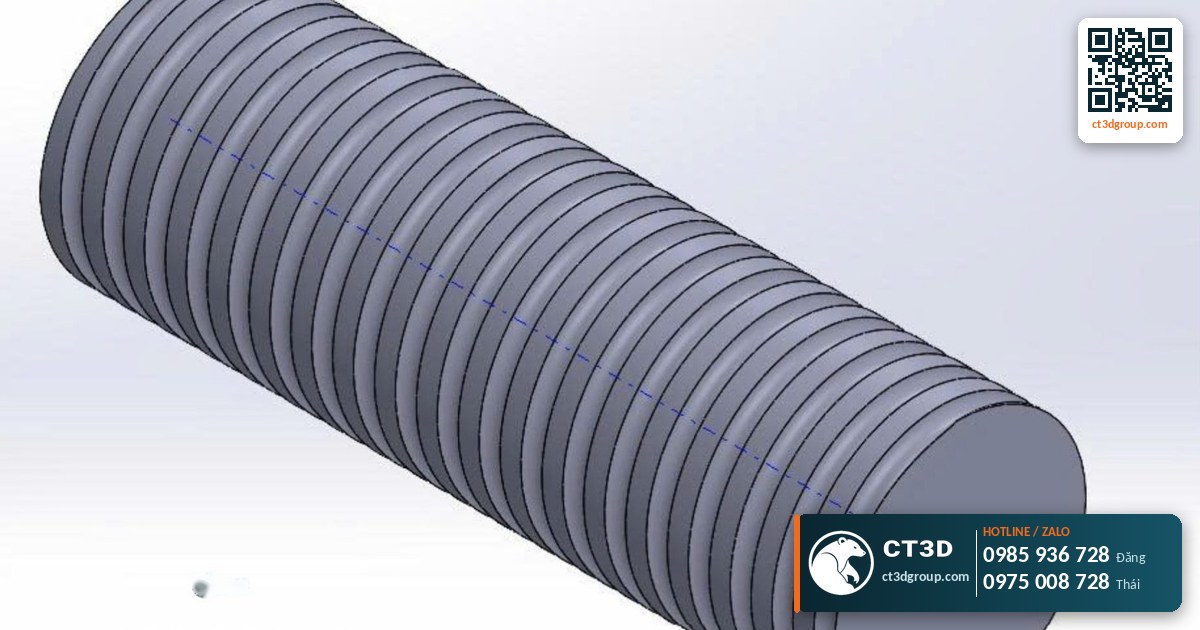
Quick answer: An STL file is the most common 3D file format in 3D printing. STL describes an object’s surface as thousands to millions of small connected triangles; it contains only geometry – no color, material or units. Almost every design program (SolidWorks, Fusion 360, Blender, ZBrush…) can export STL, and every slicer can read it. When sending a 3D printing job to CT3D, you can submit STL, STEP, OBJ or 3MF files.
This is a beginner’s overview of the STL file: definition, structure, common errors, and how to export files correctly. If you don’t have a 3D file yet and want to know what it costs to have one modeled from photos, drawings or a physical sample, see our in-depth article on 3D modeling costs for 3D printing.
What is an STL file? A simple explanation
STL is commonly said to stand for “Stereolithography” – the name of the first 3D printing technology. The format was born alongside SLA printers in the 1980s and is still the “common language” of the 3D printing industry today.
Imagine wrapping an apple in lots of small triangular pieces of paper. The smaller and more numerous the pieces, the more closely and smoothly the wrapping follows the shape. An STL file does exactly that: it stores a list of triangles, each made of 3 vertices (X, Y, Z coordinates) and 1 normal vector indicating which side faces outward.
The key point: STL only stores the outer shell. It doesn’t know which feature is a 10 mm drilled hole or which is a flat face. It only knows there are a great many triangles. That makes STL excellent for 3D printing but poorly suited to engineering edits.

STL file structure: ASCII and binary
STL files come in two storage forms:
- ASCII STL (text): open it in Notepad and you can read each line of coordinates. Easy to inspect, but the file size is very large.
- Binary STL: stored as machine code, much smaller in size. This is the form to use when sending files for printing.
Both forms contain the same information, and slicers can read either one.
STL vs. other 3D file formats
Beginners often ask: “I have a STEP file – can it be printed?” The answer is yes. The table below explains what each format is used for.
| Format | What it stores | Advantages | Limitations | Use when |
|---|---|---|---|---|
| STL | Triangle mesh, geometry only | Most widespread; every slicer reads it | No color, no units, dimensions hard to edit | Sending files for 3D printing |
| OBJ | Triangle mesh, optionally with color/texture | Keeps color; common in computer graphics | Companion files (mtl, images) are easily lost | Artistic models, color 3D scans |
| 3MF | Mesh + units + color + material + print settings | Compact, complete information, fewer errors than STL | Some older software does not support it yet | Sending files for 3D printing, saving print projects |
| STEP (.stp) | Precise solid CAD model (faces, edges, holes) | Dimensions can be edited; used for CNC | Must be converted to a mesh before printing | Mechanical parts, CNC machining, metal printing |
| IGES | CAD surfaces | Compatible with older software | Surfaces can open up during conversion | Exchanging legacy CAD files |
Source: general knowledge of 3D file formats; compiled by CT3D.
CT3D’s advice: for mechanical parts that need to fit together, send both STEP and STL. Our engineers will use the STEP file to check dimensions and the STL to prepare the print.
How STL resolution affects the print
When exporting STL, the design software asks for a smoothness setting (often called tolerance, deviation or resolution). This parameter determines the number of triangles.
- Too coarse: curved surfaces break up into many small flat facets. The print shows visible “edges” on round faces, and round holes become polygons.
- Too fine: the file weighs hundreds of MB, is hard to send and slows software down, yet the print looks no better because the printer has its own resolution limit.
- Just right: smooth curves when printed, lightweight file. In most software, the “Fine” or “High” option is sufficient.
A simple example: FDM printing uses 100–300 micron layers; SLA resin printing uses 25–100 micron layers with features down to 0.05 mm. If the STL file’s deviation is larger than the detail the printer can resolve, the print will show triangular facets. Conversely, making the file many times finer than the printer’s capability has no benefit.
Common STL file errors and how to fix them
An STL file that looks fine on screen is not necessarily printable. Below are the errors CT3D engineers encounter most often in customer files.
| Error | Symptom | Effect on printing | Fix |
|---|---|---|---|
| Open mesh (non-manifold, holes) | Surface has gaps, not watertight | Slicer slices incorrectly, missing areas | Use mesh repair tools to fill holes |
| Flipped normals | Some faces display in a different color | Slicer confuses inside and outside | Automatically re-orient normals |
| Wrong units | Model appears tiny or many times too large | Printed at the wrong size | State the units (mm) clearly when sending the file |
| Walls too thin | Walls thinner than the printer can produce | Lost details, breakage | Increase thickness in the design software |
| Multiple overlapping bodies | Joined bodies not merged | Slicing errors, extra internal walls | Merge (boolean union) before exporting |
| Intersecting triangles | Surface intersects itself | Layer errors, pitted surface | Repair the mesh or rebuild the faulty area |
Source: CT3D engineers’ file-checking experience.
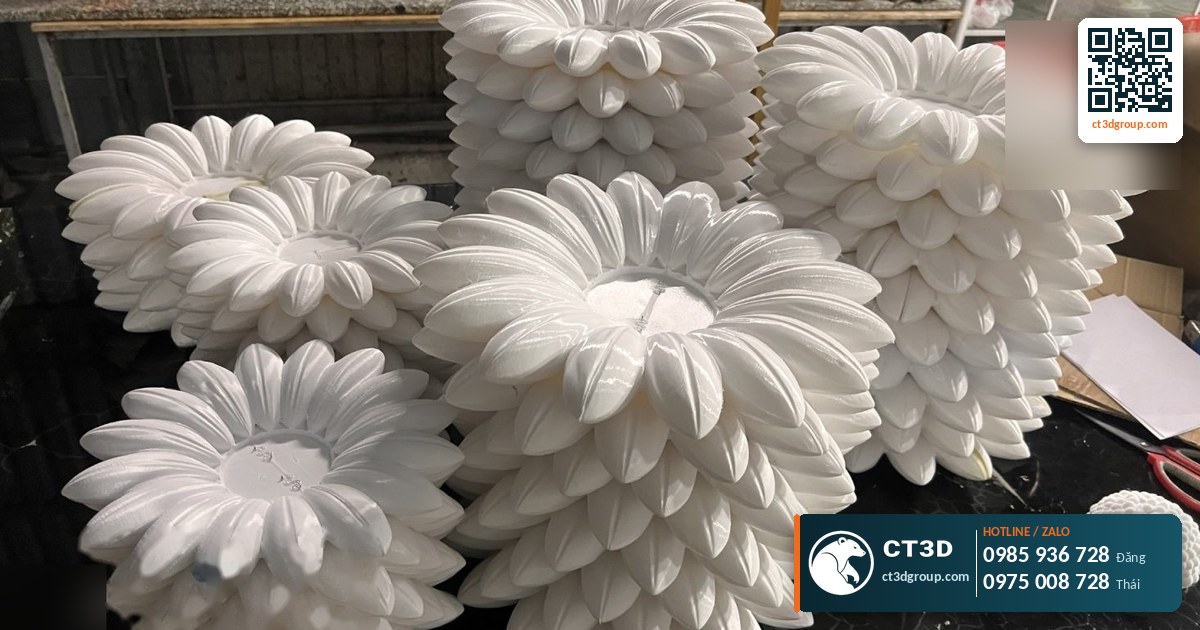
You don’t have to fix everything yourself. When we receive a file, CT3D engineers check and repair basic mesh errors. For badly broken files or files that need redesigning, modeling costs are quoted separately – see the reference in 3D modeling costs for 3D printing.
How to export a print-ready STL file
- Check that the model is watertight: it must be a solid body with no open faces. In CAD software this is usually a “solid body”.
- Merge bodies: if several bodies overlap, merge them into one (unless they are intentionally printed separately).
- Use millimeters: the standard unit in 3D printing.
- Choose a suitable resolution: select “Fine” or the equivalent.
- Export as binary: to keep the file small.
- Reopen and check: use a free STL viewer or a slicer to check dimensions and open holes.
- Name it clearly: e.g., part name, version and quantity to print.
How do STL files relate to infill, supports and slicing?
An STL file is only geometry. Print parameters such as layer height, infill density and support structures are added at the slicing stage. The slicer reads the STL, divides it into thin layers, calculates the toolpath, and exports a machine instruction file (G-code for FDM printers).
That is why the same STL file printed with different infill settings will have a different weight, strength and price. Read more in what is infill and what are supports in 3D printing.
No STL file? Ways to create a 3D file
- Design it yourself: use CAD software for engineering parts, and digital sculpting software for statues and characters.
- Download an existing file: from 3D model libraries. Pay attention to the usage license.
- 3D scanning: digitize a real object. See what is 3D scanning.
- Outsource the modeling: send photos, 2D drawings or sketches to an engineer. Based on Ho Chi Minh City market rates in 2026 (not CT3D prices), modeling a simple part starts at around 200,000 VND (≈ US$8) per model; it adds about 3–7 days compared with having a ready file. Prices are indicative.
Sending STL files to CT3D: checklist
- STL file (or STEP, OBJ, 3MF) – send via our website, Zalo, email or our contact form. Large files can be zipped.
- Units and the desired real-world size.
- Quantity to print.
- Purpose: display model, fit-check prototype, load-bearing part.
- Material, color, surface finish and post-processing requirements (sanding, painting).
- Required delivery date.
Our engineers will analyze the file, calculate the material volume, and send a quote with a lead time. For FDM, CT3D’s 2026 reference prices start at 650 VND/g (≈ US$0.025/g) for PLA and PETG, and 1,000 VND/g (≈ US$0.04/g) for ABS; prices are indicative. The full price list is in how much does 3D printing cost.
Frequently asked questions
What is an STL file?
An STL file is a 3D file format that describes an object’s surface as a triangle mesh, containing only geometry. It is the most widely used format for 3D printing.
Does an STL file contain color?
No. STL only stores geometry. To keep color, use OBJ (with textures) or 3MF.
Can a STEP file be 3D printed?
Yes. Engineers convert the STEP file to a mesh for printing. For mechanical parts, sending STEP also allows more accurate dimensional checks.
How do I fix a broken STL file?
Use the mesh repair functions in your slicer or dedicated mesh repair software to fill holes, flip normals and merge bodies. When you send files to CT3D, our engineers check and fix basic errors.
Can I get something printed without a 3D file?
Yes. CT3D creates the file from photos or drawings, or by scanning a physical sample, and then prints it.
Real footage from the CT3D workshop
Watch the video Affordable SLA 3D printing by CT3D to get a clearer picture of the process and product quality. More videos on the Che Tao Vlog – CT3D channel.
Contact CT3D – send your files, get a fast quote
Whether you have a 3D file, a 2D drawing, photos or just an idea, you can send it to CT3D. Our engineers will review the file, recommend the right technology and material, and send you a quote with a lead time.
- Email: [email protected] – [email protected]
- Hotline / Zalo: +84 975 008 728 (Mr. Thai) – +84 985 936 728 (Mr. Dang), or use our contact form
- Head office: Binh Duong.
- Workshops in Ho Chi Minh City: Linh Trung (Thu Duc), Tam Binh (Thu Duc), former District 6.
- Other workshops and drop-off points: Can Tho, Da Nang, Bien Hoa, Ba Ria – Vung Tau, Hanoi, Hai Duong, Hai Phong. Nationwide delivery across Vietnam.
- Website: ct3dgroup.com – in3d.edu.vn
CT3D – 3D design & prototyping: 3D printing, 3D scanning, reverse engineering, silicone mold making, painting and finishing, CNC machining, composite fabrication, and supply of 3D printers and 3D printing materials.
Danh sách cửa hàng:
CT3D là đơn vị cung cấp trọn gói các dịch vụ thiết kế và sản xuất theo yêu cầu tại TP.HCM và khu vực lân cận (Bình Dương, Đồng Nai, Long An…). Với năng lực khép kín từ thiết kế 3D, in 3D (FDM, resin/SLA, SLS, in 3D kim loại), scan 3D – thiết kế ngược, làm khuôn, đúc composite – poly resin – poly stone đến gia công CNC và sơn màu hoàn thiện, CT3D đồng hành cùng khách hàng qua toàn bộ quy trình – từ ý tưởng, bản vẽ hay sản phẩm mẫu đến thành phẩm hoàn chỉnh. Dù bạn cần tạo mẫu nhanh, sản xuất số lượng, chế tác tượng – mô hình – quà tặng hay linh kiện kỹ thuật, đội ngũ CT3D sẽ tư vấn công nghệ và vật liệu phù hợp, đảm bảo sản phẩm sắc nét, đúng yêu cầu và tối ưu chi phí. Khách hàng tại TP.HCM và vùng lân cận có thể trao đổi trực tiếp, gửi file online và nhận sản phẩm thuận tiện, hỗ trợ cả đơn gấp lẫn dự án số lượng.
CT3D cung cấp trọn gói các dịch vụ thiết kế và sản xuất theo yêu cầu, phục vụ khách hàng tại Hà Nội và các tỉnh lân cận (Bắc Ninh, Hưng Yên, Hải Phòng, Vĩnh Phúc…). Với năng lực khép kín từ thiết kế 3D, in 3D (FDM, resin/SLA, SLS, in 3D kim loại), scan 3D – thiết kế ngược, làm khuôn, đúc composite – poly resin – poly stone đến gia công CNC và sơn màu hoàn thiện, CT3D đồng hành cùng khách hàng qua toàn bộ quy trình – từ ý tưởng, bản vẽ hay sản phẩm mẫu đến thành phẩm hoàn chỉnh. Quy trình làm việc thuận tiện: bạn gửi file 3D hoặc mô tả ý tưởng qua online, đội ngũ CT3D tư vấn công nghệ – vật liệu, báo giá nhanh và giao hàng tận nơi tại Hà Nội. Dù bạn cần tạo mẫu nhanh, sản xuất số lượng, chế tác tượng – mô hình – quà tặng hay linh kiện kỹ thuật, CT3D đều đáp ứng với sản phẩm sắc nét, đúng yêu cầu và tối ưu chi phí.

